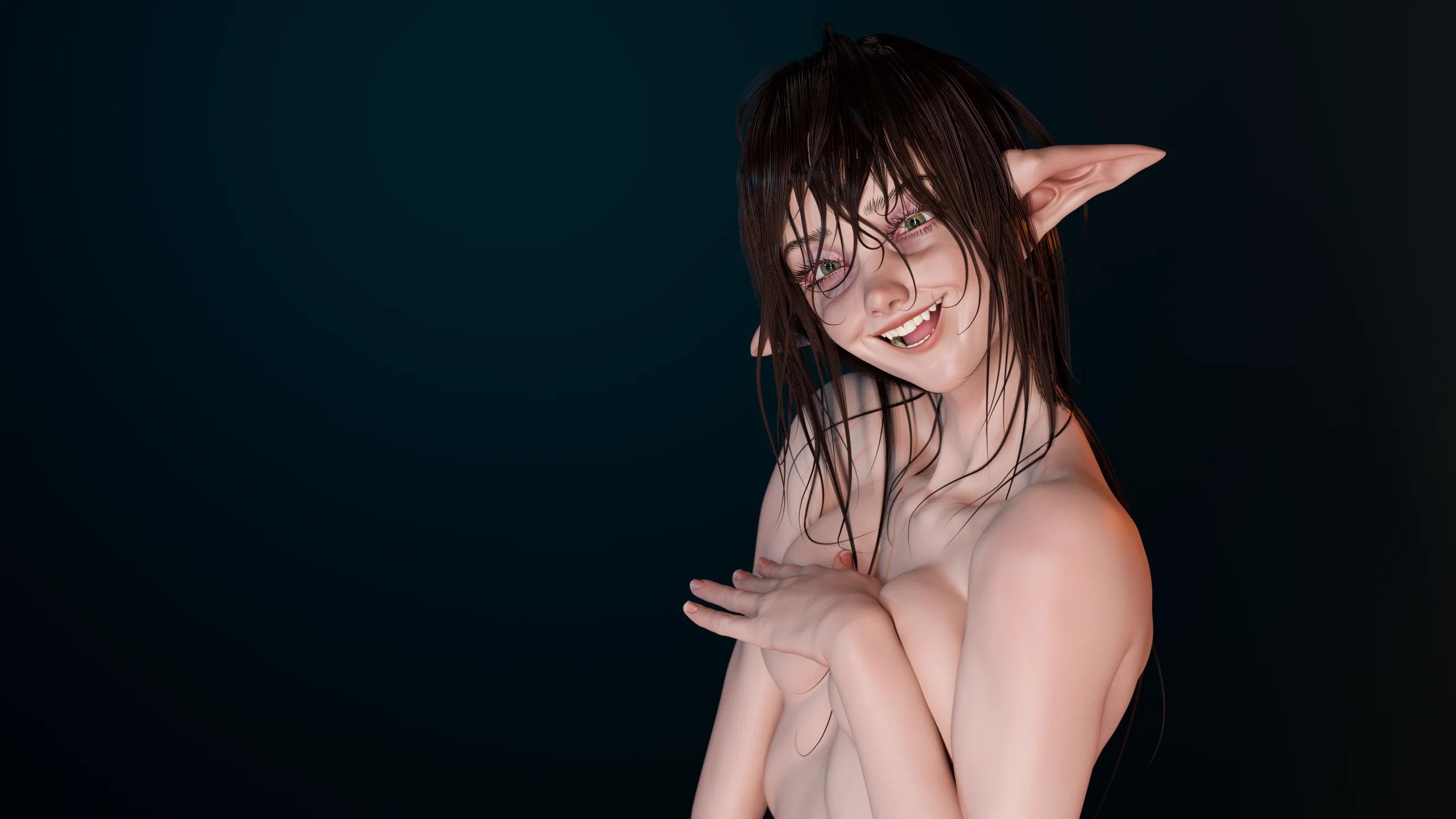
Navigate the way you think
Free orbit from the background, Alt to pan, Ctrl to transition into zoom, and Shift for axis snapping. The model stays where your eye and hand left it.
Includes a Blender profile as an alternativeSculpt Mode · Rewired
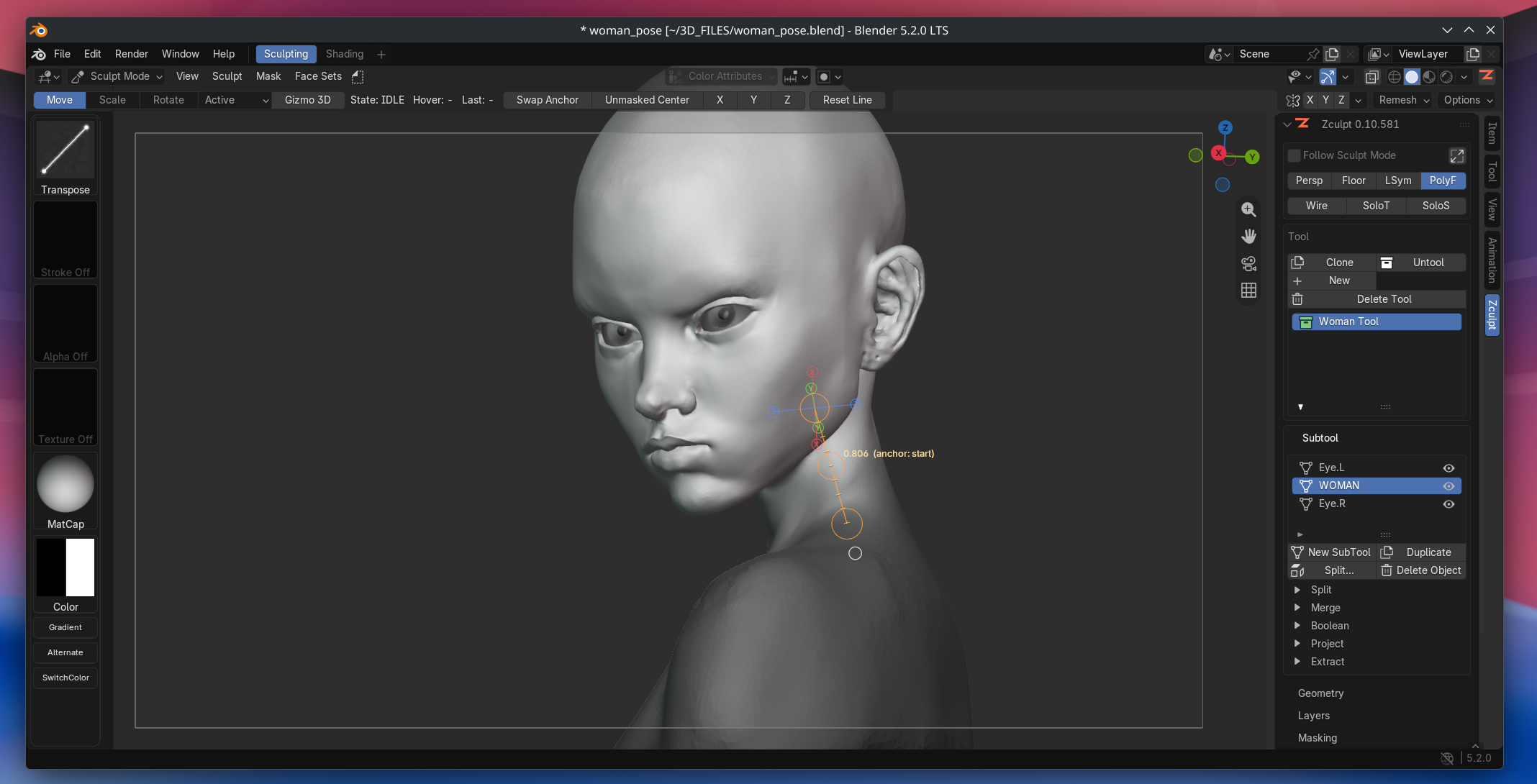
Zculpt adapts Blender to the muscle memory of experienced digital sculptors: navigation, modifiers, brushes, and topology tools where you expect them.



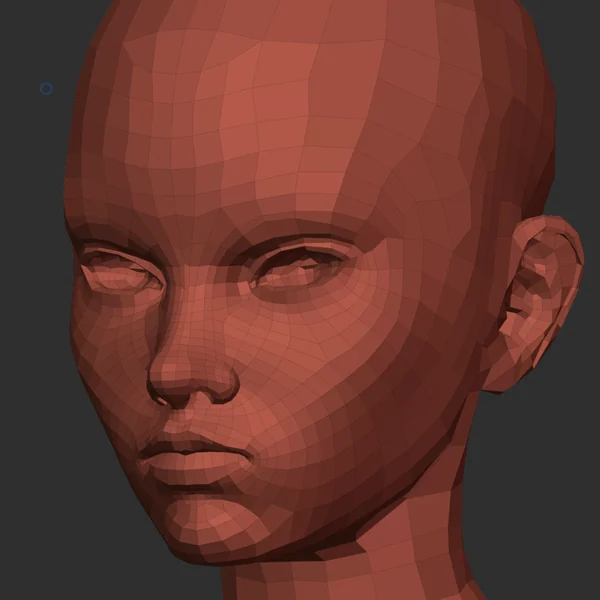
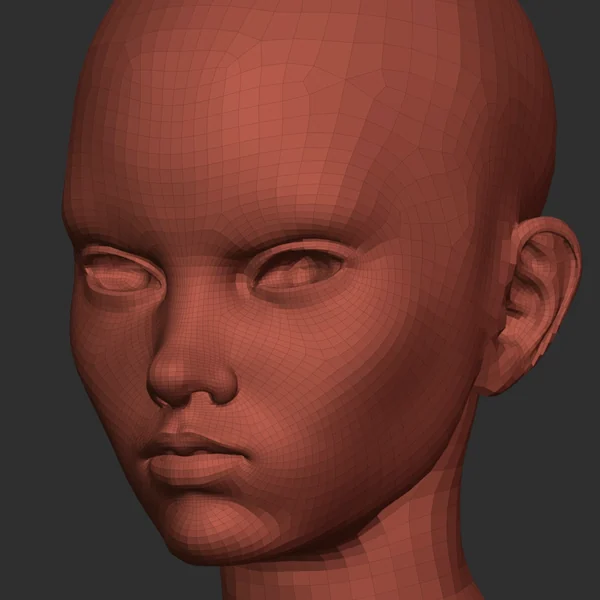
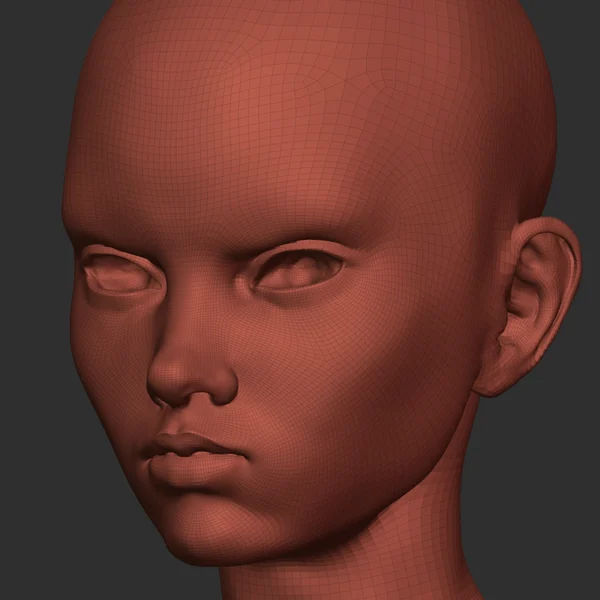

Captured in Sculpt Mode with Zculpt enabled. Native viewport, native mesh, native Undo: the interaction layer sits on top of them, not in front of them.
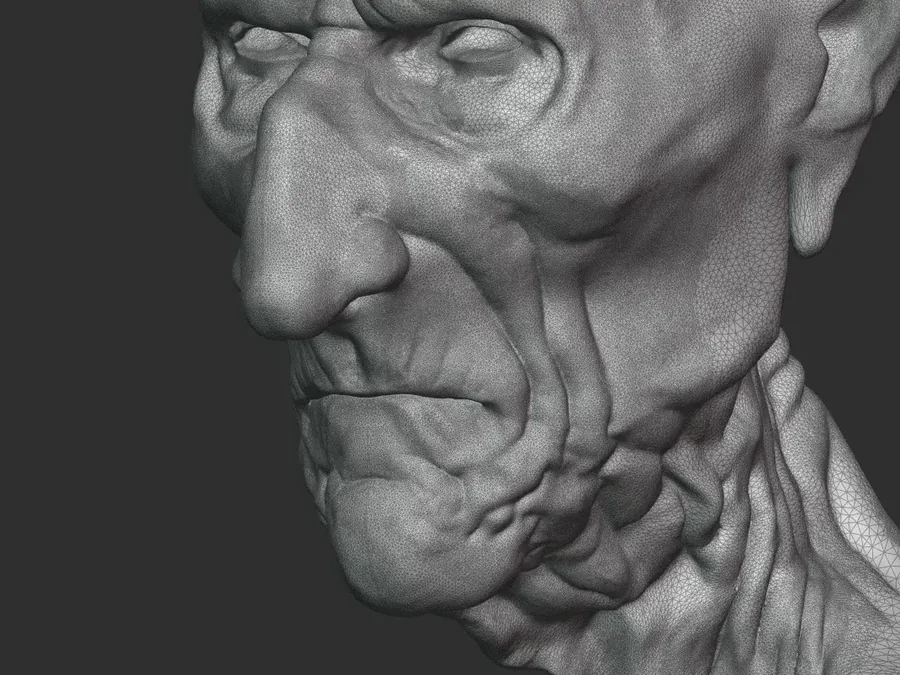
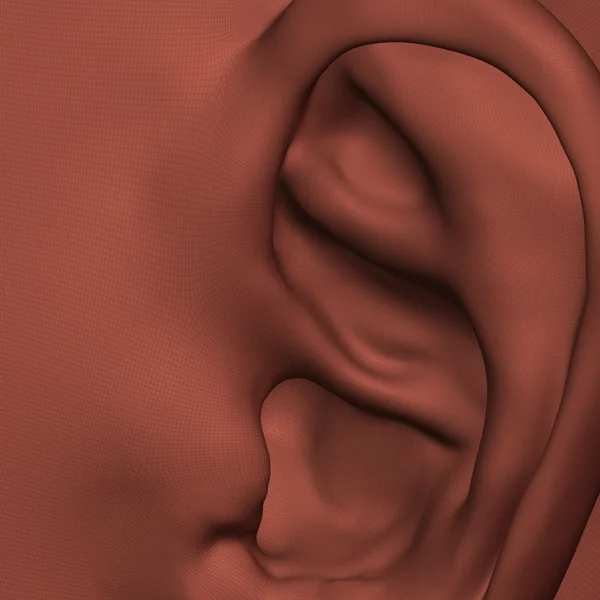
These models were sculpted in Blender with the first beta versions of Zculpt. A fluid, frictionless workflow keeps the focus on form, proportion, and the sculpture itself.
.blend file.Less mental translation
Blender already has a powerful sculpting system. Friction appears when your hand reaches for one action and Blender expects another. Zculpt bridges those two languages: it preserves native tools and performance while reorganizing interaction around habits you already have.
It is not a skin or a pixel-for-pixel copy. It is an interaction layer built for working, not for appearances.
Free orbit from the background, Alt to pan, Ctrl to transition into zoom, and Shift for axis snapping. The model stays where your eye and hand left it.
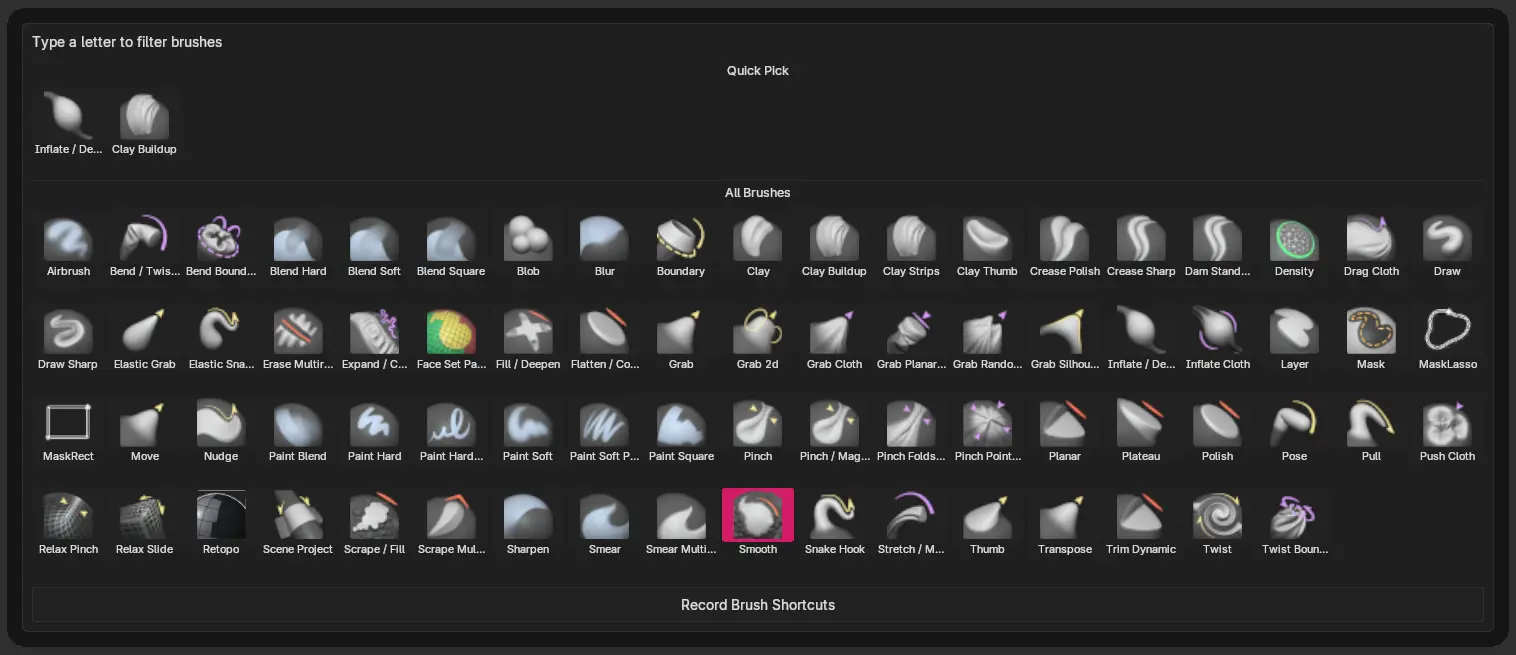
Includes a Blender profile as an alternativeCurated native profiles, quick pie-menu access, and familiar behavior for Smooth, inversion, and brush size.
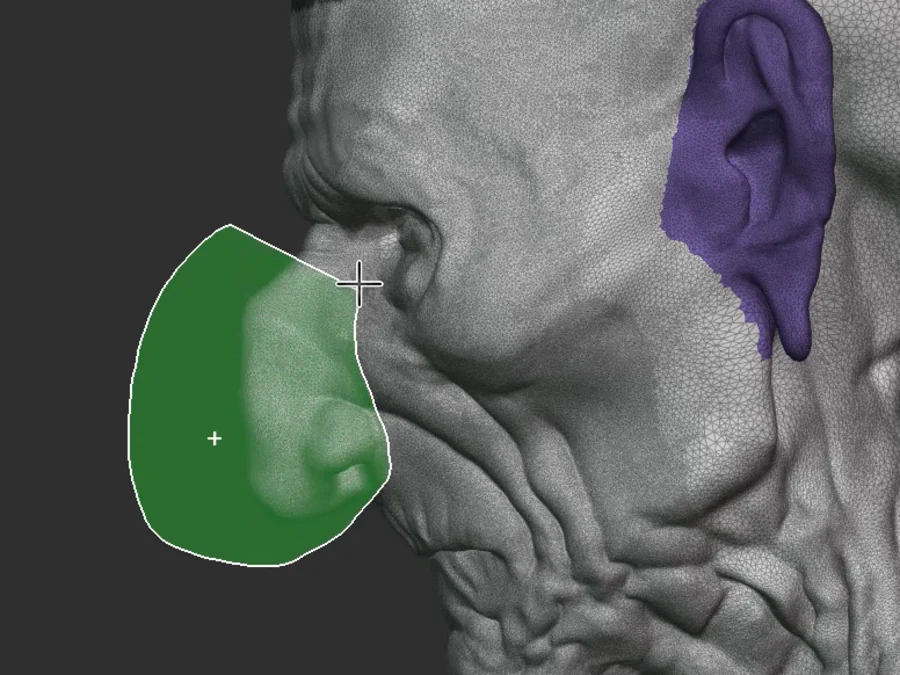
Mask, unmask, invert, isolate, and organize with Face Sets presented through a familiar group-based sculpting workflow.
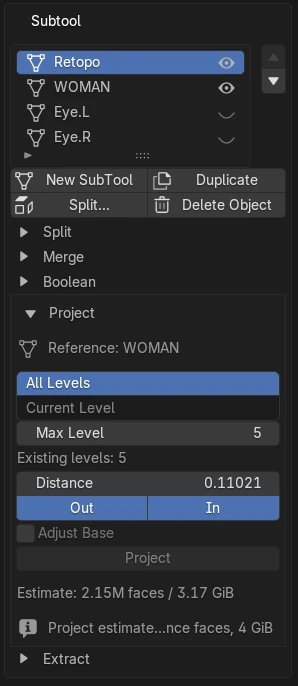
Voxel Remesh, Dyntopo, and Multires organized as direct decisions, with safety checks and native Undo wherever Blender supports it.
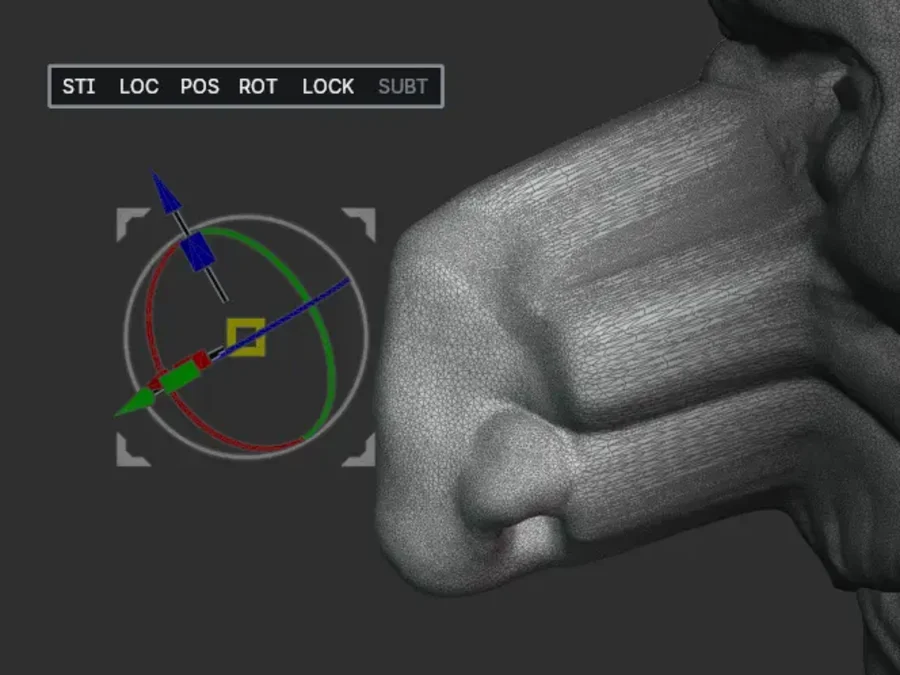
The implementation follows Blender's real semanticsX disables or restores your last axis combination; the controls stay visible and tied to the mesh.
The interface stays compact. Frequent actions live near the cursor, on the keyboard, or in modular panels you can reorder.
The interaction layer stays inside Sculpt Mode and registers its own shortcuts reversibly.
Sculpt ModeSmooth, invert, mask, navigate, and switch tools without leaving the rhythm of the stroke.
Pen firstYour scene remains a Blender scene: objects, modifiers, saving, and Undo continue to work where you expect them.
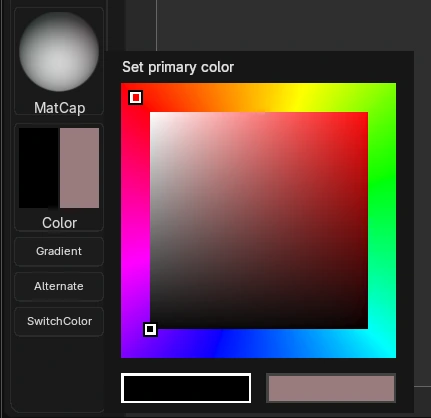
Native coreThe ring tells you the mode. Red for the brush, blue while you smooth, amber while you mask, and its own pair of colours once Dyntopo is on — so the next stroke is readable without looking away from the mesh. Zculpt writes them into Blender’s own brush cursor and gives your colours back when you disable it.
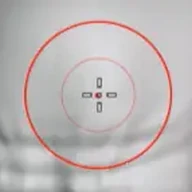 Brush
Brush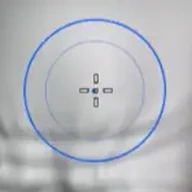 Smooth
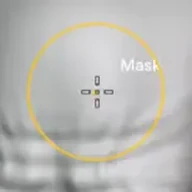 Mask
Mask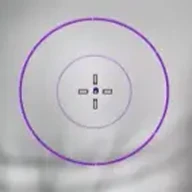 Dyntopo
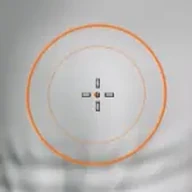 Dyntopo smooth
Zculpt uses Blender as Blender: objects, modifiers, files, and the sculpt engine remain native.
Ordinary deformation never passes through Python vertex loops: pressure and performance stay on Blender's native path.
Zculpt acts inside Sculpt Mode and restores the configuration it temporarily replaces when disabled.
Remesh, Dyntopo, and Multires feel more direct while retaining their real capabilities and limitations.
Your next stroke starts here
Stop translating every gesture. Put that energy into form, volume, and character.